
Troubleshooting Common Xero Issues for SMEs
When Xero glitches hit at the worst moment—unreconciled feeds, missing invoices, strange errors—you feel stuck; yet most problems have simple fixes hiding in plain sight.
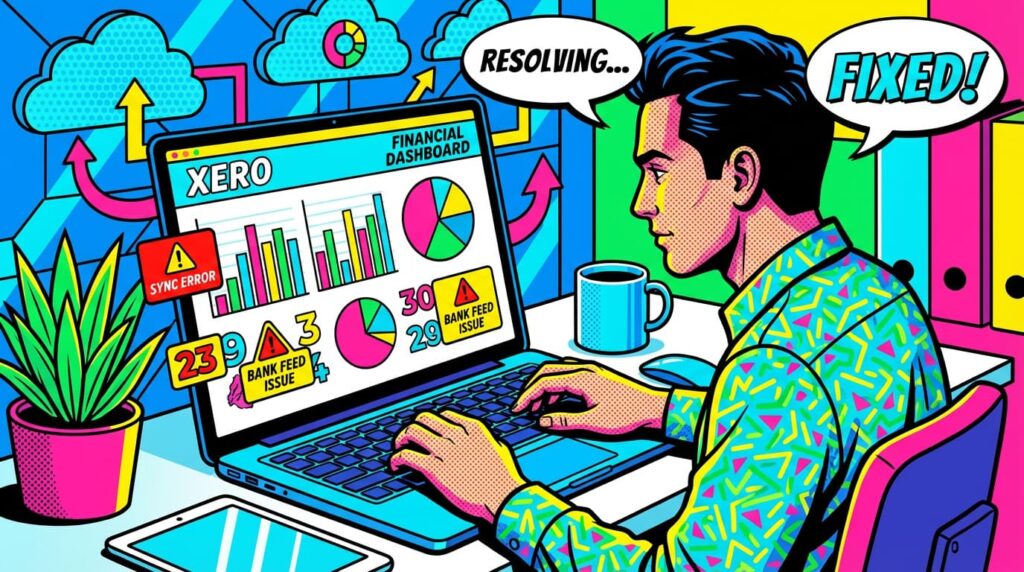
You know that sinking feeling: you open Xero for a quick update, only to find something off. A bank feed didn’t pull in. An invoice vanished. A report looks wrong. One tiny issue can derail your rhythm and create a long evening you didn’t plan for.
A small creative studio owner once told me how a missing bank feed cost her half a Sunday. She refreshed again and again, waiting for new transactions that never appeared. Her coffee went cold. Her mood went colder. She said it felt like staring through fog.
This is the hidden challenge of modern accounting. Cloud tools simplify life—until something breaks or behaves strangely.
And when you’re already stretched thin, that friction feels like too much.
Bookkeeping Basics & Best Practices
- Affordable Bookkeeping Made Simple: A Practical Guide for Small Businesses
- The Bookkeeping Checklist That Streamlines Every Small Business Workflow
- In-House vs. Outsourced Bookkeeping: Which Is More Cost-Effective?
- When Should a Small Business Upgrade from Basic Bookkeeping to Full Accounting Support?
Research from the ACCA shows that small businesses rely heavily on cloud accounting, and smooth digital workflows directly impact productivity and accuracy (source).
But here’s the good news: most Xero issues have familiar patterns and predictable solutions.
And once you know what to look for, the fog clears fast.
In the sections below, we’ll walk through the most common Xero problems SMEs face—and the simple, confident steps to fix them.
Troubleshooting Bank Feed Problems
This section helps you understand why bank feeds break and how to restore them without panic.
Reconnect Feeds When They Drop
A bank may update its security settings, causing the link to break.
A consultant told us how her transactions suddenly stopped showing for days—turns out the bank required a fresh login.
Reconnect through Xero’s bank settings. Refresh the feed. Confirm the right account is connected.
If you ignore a broken feed, unreconciled items pile up and cash-flow visibility slips.
Check for Duplicate Transactions
Sometimes a feed reconnect creates duplicates.
You’ll see two identical entries—same amount, same date.
Delete the duplicates before reconciling.
It keeps reports clean and avoids inflated income or expenses.
Old way: panic, guesswork, messy ledgers.
New way: a quick check, a clean slate.
With feeds fixed, the next challenge often appears in the heart of your workflow: invoices.
Xero Productivity & Add-Ons
- Top Xero Add-Ons & Integrations to Scale Your Business
- 22 Xero Features SMEs Rely On for Seamless Operations
- Smart Banking Add-ons for Xero That Automate Your Reconciliation Workflow in Xero
Fixing Invoice Errors and Missing Bills
This section shows how to recover invoices or expenses that seem lost or stuck.
Find “Missing” Invoices
Most aren’t missing—they’re mis-filtered.
A local coaching center once thought a client invoice disappeared, only to find it under “Draft” instead of “Awaiting Payment.”
Search by contact name, amount, or status.
Check the Recycle Bin just in case.
Skipping this step can mean late payments, delayed cash flow, and awkward client conversations.
Avoid Duplicate Bills
When suppliers email PDFs and you upload them manually, duplicates happen.
Mark bills as “Paid,” “Awaiting Approval,” or “Draft” consistently.
Use Xero’s document inbox to centralize uploads.
A small e-commerce seller cut her monthly bill review time in half just by cleaning duplicate uploads.
With invoices under control, many teams hit another friction point: reconciliation.
Xero Workflows & Financial Operations
- Collaborative Cloud Accounting: How Xero Boosts Team Productivity
- VAT and GST Compliance Made Easy with Xero
- Streamline Your Finances: Managing Bank Feeds and Reconciliation in Xero
Getting Reconciliation Back on Track
This section helps you handle mismatches, rules issues, and incorrect coding.
Fix Mismatched Transactions
If the amount or date doesn’t match, Xero won’t suggest the right match.
Adjust the invoice or payment to the correct value.
A retail owner once spent hours searching for a “missing payment” that was simply off by ₹10 due to rounding.
If mismatches pile up, reports lose accuracy and tax time becomes stressful.
Clean Up Incorrect Account Coding
When team members guess categories, statements become confusing.
Review expenses weekly.
Use simple, consistent categories: supplies, software, subscriptions.
Old way: confusion, clutter, long cleanup sessions.
New way: clarity and two-minute reconciliations.
With reconciliations smooth, the next barrier is often slow performance or login frustration.
Solving Login, Access, and Performance Issues
This section supports you through user-access problems and slow dashboards.
Fix Login Failures Quickly
Most login issues relate to two-factor authentication.
Confirm the correct device or recovery email.
If you manage a team, ensure each user logs in with their own email—not shared accounts.
Shared access causes lost trails, errors, and security risks.
Improve Slow Dashboard Performance
Too many add-ons or large historical files can slow Xero.
Archive old files.
Remove unused apps.
Clear browser cache or try an incognito session.
A small law firm reduced load times dramatically by disconnecting three old integrations they no longer used.
Automation & Efficiency
- How Automation Lowers Bookkeeping Costs for Growing Companies
- Why Clean Books Make Loan Applications, Investor Talks & Tax Season Easier
Once access is stable, the final challenge is often reporting.
Cleaning Up Common Reporting Issues
This section helps you read reports confidently and fix data that looks “off.”
Fix Wrong Report Numbers
If totals look strange, go back to source data.
Check for missing payments, duplicate bills, or incorrect dates.
A design agency once saw huge “profit” overnight—caused by one unpaid invoice being marked as paid twice.
Fixing the source corrected the entire report.
Review Tracking Categories
Missing or inconsistent tracking makes reports unreliable.
If you use projects, departments, or locations, tag them consistently.
If you skip this, insights blur and decisions weaken.
Compare with Bank Statements Monthly
Even with perfect habits, mistakes slip in.
A monthly check against your bank resets your confidence.
Now that reporting is clear, you’re ready for ongoing stability.
Quick Checklist: Xero Troubleshooting Essentials
- Reconnect bank feeds and refresh often
- Remove duplicates before reconciling
- Search all invoice statuses before assuming something is missing
- Keep expense categories simple and consistent
- Fix mismatches when they appear
- Give each user their own login
- Disconnect unused apps
- Review reports against source data
Conclusion
Xero can feel overwhelming when things break, especially when you already carry the weight of running a business. But most issues have simple patterns, familiar fixes, and clear next steps. Once you understand those rhythms, your work becomes lighter, calmer, easier.
Troubleshooting is not just about solving problems—it’s about building trust in your numbers, your systems, and your decisions.
If you want your Xero setup to run smoothly without draining your time, we can help you build a clean, stable system that supports your growth and removes daily friction.
If you want consistent, stress-free Xero operations, our team can optimize your setup, fix recurring issues, and keep your books running smoothly from day one.

