
Employee Payment Errors: Why They Happen and How Xero Fixes Them
When paychecks bounce or numbers are wrong — trust crumbles, anxiety rises, team morale suffers… but there is a way to fix it, clean and clear.
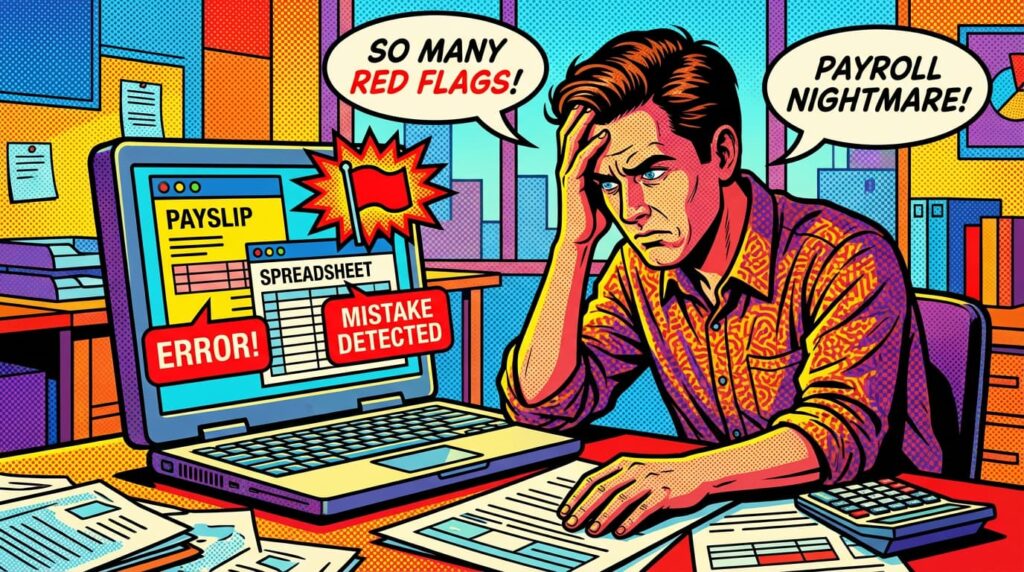
Imagine Priya, who runs a small marketing agency. Her team is growing, clients are happy, and projects are on track. Then comes payroll day.
She notices a discrepancy — a designer was underpaid, another’s bonus wasn’t included. Anxiety builds. Emails start arriving. Questions mount. What should have been a routine process turns into chaos.
For many small businesses, this is all too familiar. Payroll errors don’t just affect numbers — they affect morale, trust, and even legal compliance. The Australian Taxation Office (ATO) emphasises that businesses must keep accurate payroll records and make correct payments to avoid fines.
Mistakes like these happen frequently in SMEs, especially when payroll relies on spreadsheets or manual calculations. But there’s a way to simplify the process and prevent errors before they occur.
Employee payment errors — from miscalculated salaries to missed deductions — affect trust, compliance, and efficiency. Using Xero Payroll ensures accuracy, timeliness, and peace of mind for small businesses.
Read more: Payroll Compliance & Mistakes
- Top 5 Payroll Mistakes Small Businesses Make and How Xero Solves Them
- Payroll Compliance Nightmares and How Xero Prevents Them
- Common Payroll Mistakes SMEs Make and How to Avoid Them
Why Employee Payment Errors Occur
Understand the root causes of payment mistakes to prevent recurring issues.
Small businesses often face challenges that increase payroll risk:
- Manual calculations and data entry: Typos, forgotten deductions, or misread hours can create errors.
- Incorrect employee classifications: Confusing contractors with full-time employees leads to wrong tax treatment.
- Lack of systematic checks: When only one person handles payroll without verification, mistakes are likely.
- Compliance updates: Tax brackets, statutory contributions, and deductions change; outdated knowledge can result in miscalculations.
A boutique café miscounted weekend overtime hours. Employees were underpaid, and correcting the mistake required extra cash, administrative work, and explanations.
Payroll is often a side task in SMEs, not a dedicated function. Without automation, human error becomes inevitable, and small mistakes can cascade into bigger problems.
What happens if ignored: Legal penalties, employee dissatisfaction, time-consuming corrections, and damage to business reputation.
Recognizing why errors happen is the first step; solving them comes next.
How Xero Payroll Prevents Payment Errors
Explain how Xero Payroll addresses the causes of errors, improving accuracy and reliability.
Xero Payroll provides a structured, automated system to reduce mistakes:
- Automatic calculations: Gross pay, taxes, deductions, and overtime are computed accurately.
- Integrated data management: Employee information, timesheets, and accounting records are synced to prevent inconsistencies.
- Regulatory updates: Tax and compliance rules are applied automatically.
- Audit trails: Every pay run is logged, making disputes and audits simple to resolve.
Benefits:
- Saves time by eliminating manual calculations.
- Minimizes errors and disputes.
- Ensures compliance with current regulations.
- Strengthens employee trust with consistent and timely payments.
Use cases across industries:
- Creative agencies with freelancers benefit from accurate classification and pay.
- Retail stores with hourly staff ensure correct overtime and shift payments.
- Consultancies can align monthly payroll with client billing cycles.
- Restaurants manage fluctuating staffing schedules efficiently.
Businesses using Xero often report fewer payroll disputes and improved team morale. Automation allows owners to focus on growth instead of fixing errors.
Read more: Payroll Management & Optimization
- Cash Flow Risks from Poor Payroll Management and How to Fix Them
- Employee Payment Errors: Why They Happen and How Xero Fixes Them
- Xero Payroll vs Other Payroll Software: Which is Best for SMEs?
- In-House Payroll vs Outsourced Payroll: Pros, Cons, and Xero Benefits
- Cost of Payroll Errors vs Investing in Payroll Services
- Why SMEs Choose Xero Payroll Over Manual Accounting
- Monthly Payroll Checklist for Small Businesses Using Xero
- 7 Payroll Reports Every SME Should Track in Xero
- Automated Payroll Tasks You Can Implement in 30 Minutes
Practical Steps to Implement Xero Payroll
Offer actionable steps for SMEs to adopt Xero Payroll effectively.
- Import employee details and classifications to avoid misclassifications.
- Link timesheets or attendance systems to match hours with pay.
- Schedule recurring pay runs and tax deductions to ensure consistency.
- Run test payrolls for one or two employees to verify accuracy.
- Maintain documentation within Xero — payslips, deductions, and histories for audits.
- Review after initial cycles to reconcile and correct any discrepancies.
A small retail store implemented Xero. Within the first month, pay runs were accurate, overtime calculated correctly, and staff morale improved significantly.
Read more: Xero Payroll Setup & Guides
- The Ultimate Guide to Xero Payroll for Small Businesses
- How to Set Up Xero Payroll for Your Small Business
- Running Your First Payroll in Xero: Tips for Accuracy
- Automating Payroll Calculations in Xero: Step-by-Step
- Processing Employee Leave, Overtime, and Bonuses in Xero Payroll
Accurate data entry is critical. Ensuring employee classifications, allowances, and hours are correct upfront allows automation to work effectively.
Risks of Ignoring Payroll Errors
Highlight long-term consequences of unresolved payroll mistakes.
- Employee dissatisfaction and turnover: Repeated errors erode trust.
- Compliance penalties: Miscalculations in taxes and deductions can result in fines.
- Operational inefficiency: Hours spent fixing mistakes take away from strategic work.
- Damage to reputation: Word spreads; hiring and retention become harder.
- Scaling challenges: As teams grow, manual payroll complexity increases exponentially.
Read more: Payroll Management & Optimization
- Cash Flow Risks from Poor Payroll Management and How to Fix Them
- Employee Payment Errors: Why They Happen and How Xero Fixes Them
- Xero Payroll vs Other Payroll Software: Which is Best for SMEs?
- In-House Payroll vs Outsourced Payroll: Pros, Cons, and Xero Benefits
- Cost of Payroll Errors vs Investing in Payroll Services
- Why SMEs Choose Xero Payroll Over Manual Accounting
- Monthly Payroll Checklist for Small Businesses Using Xero
- 7 Payroll Reports Every SME Should Track in Xero
- Automated Payroll Tasks You Can Implement in 30 Minutes
A small cafe delayed pay for seasonal staff, causing turnover and service disruptions. Correcting payroll errors ended up costing more than the original mistakes.
Ignoring payroll risks allows small issues to snowball into significant operational and financial challenges.
Quick Checklist: Prevent Payroll Errors with Xero
- Use automated payroll software (Xero Payroll).
- Keep employee records accurate and up-to-date.
- Schedule regular pay runs and deductions.
- Integrate timesheets or attendance systems.
- Maintain clear documentation for each pay cycle.
- Review and reconcile payroll after each cycle.
Read more: Cloud Payroll & Strategic Insights
- How Cloud Payroll Services Improve Accuracy, Efficiency, and Compliance
- The Role of Payroll Data in Strategic Business Decisions
- Why SMEs Are Moving to Cloud-Based Payroll Services
Conclusion
Employee payment errors cost more than money — they affect trust, efficiency, and compliance. Using Xero Payroll transforms payroll into a reliable, accurate, and stress-free process.
By automating calculations, ensuring compliance, and maintaining clear records, small business owners can focus on growth rather than firefighting payroll mistakes.
Start now: accurate data, structured pay runs, and a calm, confident payroll process will protect your team and business.
Take control of payroll today — implement Xero Payroll to prevent errors, maintain compliance, and ensure timely, accurate employee payments.

